How to Stop Spam Calls on Android: 5 Easy Ways
Loan offers, fake bank calls, "you won a prize" calls — some people get several spam calls every day. The good news: Android already has strong tools to stop most of them. This guide shows five ways to stop spam calls, from a one-tap setting to blocking them at the network level.
- Phone by Google: Phone app → ⋮ → Settings → Caller ID & spam → turn on Filter spam calls.
- Samsung: Phone app → ⋮ → Settings → turn on Caller ID and spam protection.
- India: SMS FULLY BLOCK to 1909 to stop promotional calls.
First: check which Phone app you use
The steps depend on your dialer (the app you use to make calls), not only on your phone brand:
- Phone by Google — Google Pixel and Motorola, and many Xiaomi, Redmi, POCO, Realme, Oppo, Vivo and OnePlus phones (especially in India).
- Samsung Phone — Samsung Galaxy phones.
- Brand dialer — some phones use the brand's own Phone app.
Open your Phone app → ⋮ → Settings. If you see Caller ID & spam or Spam and Call Screen, you're using Phone by Google.
Method 1: Turn on spam filtering in Phone by Google
- Open the Phone app.
- Tap the three dots (⋮) at the top right, then Settings.
- Tap Caller ID & spam (on newer versions: Spam and Call Screen).
- Turn on See caller & spam ID.
- Turn on Filter spam calls.
Calls that Google marks as likely spam won't ring your phone any more. They still appear in your call history, so you never lose an important call by mistake.
Method 2: Turn on spam protection on Samsung Galaxy
- Open the Phone app.
- Tap the three dots (⋮), then Settings.
- Tap Caller ID and spam protection and turn it on.
- Choose how strict it should be — block only high-risk scam calls, or all spam and scam calls.
Start with high-risk calls. If you still get a lot of spam, switch to the stricter option.
Method 3: Block a specific number
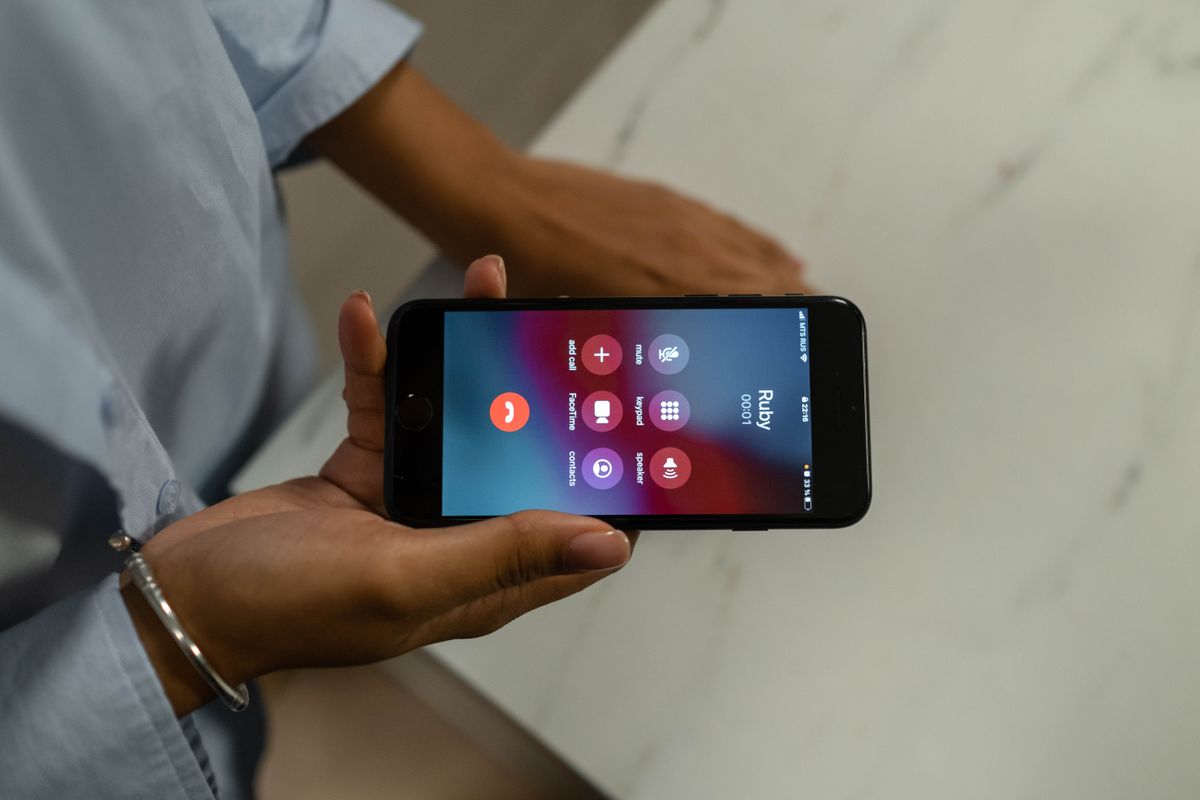
- Open the Phone app and go to Recents.
- Tap and hold the number (or tap it, then the ⓘ details icon).
- Tap Block or Block/report spam.
Always tick Report call as spam when you see it. Your report helps warn other people about the same number.
Method 4: Block calls from unknown and private numbers
- Phone by Google: Settings → Blocked numbers → turn on Unknown.
- Samsung: Settings → Block numbers → turn on Block calls from unknown/private numbers.
Hospitals, delivery services and some offices call from hidden numbers. If you're expecting an important call, turn this off for a while.
Method 5: Use your country's "Do Not Disturb" registry
Phone settings stop calls on your device. A national registry tells companies they're not allowed to call you with marketing at all.
| Country | How to register |
|---|---|
| India | SMS FULLY BLOCK to 1909, call 1909, or use the official TRAI DND app. Activation can take a few days. |
| United States | National Do Not Call Registry (donotcall.gov) |
| United Kingdom | Telephone Preference Service (TPS) |
Registries stop honest companies; scammers ignore them. That's why you should use them together with the phone settings above.
Got a fraud call? Report it
If a caller pretends to be your bank, the police, a courier or a government office and asks for an OTP, PIN or payment, it's a scam — hang up. In India, report suspected fraud calls and SMS on the government's Sanchar Saathi portal using Chakshu. If you've already lost money, call the cybercrime helpline 1930 as quickly as possible.
Menu names can differ slightly by phone brand and app version.
Frequently asked questions
Will spam filtering block calls from my contacts?
No. Spam filters only act on numbers marked as spam. Calls from saved contacts ring normally.
Can I see the calls that were blocked?
Yes. Filtered calls still appear in your call history (often marked as spam or blocked).
Do I need a third-party caller ID app?
Usually not. The built-in Google and Samsung protection is free and works well. Many third-party apps upload your contacts, so read their privacy policy first.
Why do I still get some spam calls?
Scammers change numbers often, so no filter catches 100%. Keep reporting spam numbers — every report improves the filter.
Turn on spam filtering in your Phone app, block and report numbers that still get through, and register for DND (India: SMS FULLY BLOCK to 1909). Never share an OTP or PIN on a call — real banks never ask for it.


Comments
Post a Comment